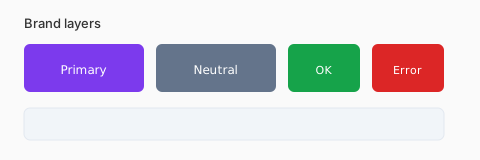
Core vs extended palette
Ship one hero hue plus neutrals first. Add secondary accents only when marketing, product, and support surfaces need distinct voices.
Semantic colors
Success, warning, and error hues should be distinguishable for color-blind users — never rely on red vs green alone.
- Document HEX + RGB + token name
- Pair fills with accessible text colors
- Keep dark-mode variants in the same token file
Consistency across channels
Export the same tokens to CSS, iOS, Android, and slide decks. ChromaXP brand directories list real-world HEX anchors when you need competitive references.
Documenting tokens for handoff
Name tokens by role (color.text.primary) not by value (color.gray.700). Include light and dark theme entries, hover deltas, and forbidden combinations (for example, brand yellow on white for small text).
Partnerships and co-branding
When two logos share a layout, define which palette leads and which neutrals are shared. ChromaXP brand directories help you compare competitor anchors, but legal teams still approve co-marked assets.
Scaling brand color to products
Marketing campaigns can introduce seasonal accents; product UI should absorb them through tokens, not one-off HEX in components. Export CSS variables and mobile XML from the same seed color to prevent drift between web and app.